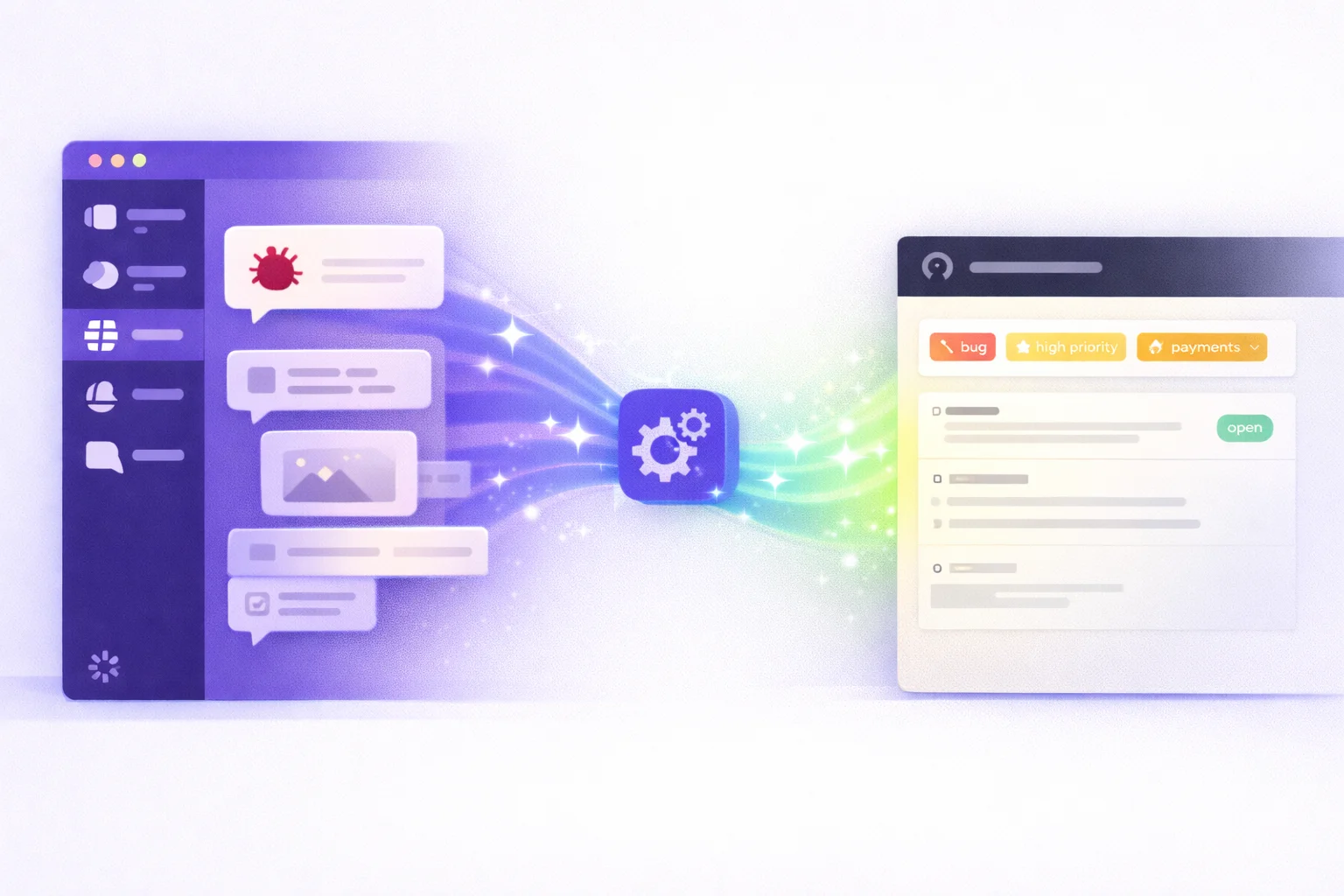

Your team makes dozens of decisions in Slack every week. Product direction, technical architecture, hiring criteria, client strategies — all discussed in real-time in channels and threads. And most of it never makes it to Notion, where your actual documentation lives.
The gap between "discussed in Slack" and "documented in Notion" is where teams lose knowledge. Let's fix that.
Why manual Slack-to-Notion doesn't work#
The obvious solution is simple: when something important happens in Slack, someone copies it to Notion. In practice, this fails for three reasons:
1. Recognition burden. Someone has to recognize that a message is "important enough" to document. In the flow of daily conversation, most decisions don't feel important until weeks later when someone asks "wait, how did we decide that?"
2. Context switching cost. Stopping your work, opening Notion, finding the right page, formatting the content, adding context — this takes 5-10 minutes per entry. Multiply by 10+ decisions per week, and you're looking at 1-2 hours of documentation work.
3. Consistency decay. Even motivated teams see documentation rates drop below 30% within a month. It's not that people don't care — it's that manual processes can't compete with the pace of Slack conversations.
Approach 1: Slack's built-in tools#
Slack offers a few native options:
Bookmarks and Pins: You can pin important messages or save them to bookmarks. The problem is that pins are per-channel (limited to 100), bookmarks are personal, and neither creates documentation in Notion.
Slack Canvas: Slack's newer Canvas feature lets you create documents within Slack. But this doesn't solve the problem — it creates another place to look for information instead of consolidating it in Notion.
Slack Workflows: You can build a workflow that posts a message to a channel when triggered. But there's no native Notion integration, and workflows can't classify or format content.
Verdict: Slack's native tools are good for individual message management, but they don't solve the Slack-to-Notion documentation problem.
Approach 2: Zapier / Make.com workflows#
The most popular automation approach is building a Zapier or Make.com workflow:
Typical setup:
- Trigger: Message added to specific Slack channel (or reaction emoji added)
- Filter: Check if message matches criteria
- Action: Create Notion page with message content
Pros:
- Works without code
- Flexible trigger options
- Many Notion formatting options
Cons:
- Manual trigger required: Someone still needs to add an emoji reaction or use a keyword to trigger the workflow
- No context: Zapier captures the single message, not the full thread or conversation context
- No classification: Every triggered message gets the same treatment regardless of type
- Per-task pricing: At high volumes, Zapier costs add up quickly ($19-69/month + per-task fees)
- Maintenance: Workflows break when Slack or Notion APIs change
Verdict: Zapier works for simple "save this specific message" workflows, but falls short for automated knowledge capture at scale.
Approach 3: Custom Slack bot#
Some engineering teams build their own solution:
Typical setup:
- Slack bot listens to specified channels
- Custom logic determines importance (usually regex/keyword matching)
- Bot creates Notion pages via API
Pros:
- Full control over logic
- Can include thread context
- No per-task fees
Cons:
- Significant engineering investment: 40-80 hours to build, plus ongoing maintenance
- Rule-based classification: Keyword matching misses conversational decisions ("yeah, let's go with B")
- No learning: The system doesn't improve over time without manual rule updates
- Maintenance burden: Slack and Notion API changes require code updates
- Single point of failure: If the developer who built it leaves, maintenance becomes a problem
Verdict: Custom bots work if you have engineering resources to spare, but the ROI rarely justifies the investment.
Approach 4: AI-powered knowledge routing#
This is the approach ThreadMemory takes:
How it works:
- ThreadMemory's bot monitors selected Slack channels
- AI classifies each conversation: is it a decision? Bug report? Idea? Process knowledge?
- The system waits for conversation maturity — incomplete discussions aren't routed prematurely
- Mature conversations are formatted as native Notion pages with full context
- Pages are created in the right Notion database with proper properties and formatting
What makes it different:
- Zero manual triggers: No emoji reactions, no keywords, no "please document this" messages
- Full conversation context: Not just a single message — the entire thread with participants, timestamps, and discussion flow
- AI classification: Understands intent, not just keywords. "let's go with option B" is recognized as a decision
- Native formatting: Creates Notion pages that look like a human wrote them — with headers, bullet points, code blocks, and proper metadata
- Routing rules: Engineering decisions go to the Engineering wiki, product decisions go to the Product database, bugs go to the Bug tracker
Comparison summary#
| Feature | Manual | Zapier | Custom Bot | ThreadMemory |
|---|---|---|---|---|
| Setup time | 0 min | 30 min | 40-80 hrs | 3 min |
| Manual trigger | Required | Emoji reaction | Partial | Not needed |
| Thread context | None | Single message | Partial | Full thread |
| AI classification | None | None | None | Built-in |
| Maturity detection | None | None | None | Automatic |
| Notion formatting | N/A | Basic | Custom | Native |
| Maintenance | High | Medium | High | None |
| Cost | Free | $19-69+/mo | Eng. time | From $39/mo |
Bottom line#
If your team discusses important decisions in Slack and documents them in Notion, the gap between those two tools is where knowledge gets lost. Manual approaches don't scale, Zapier captures messages but not knowledge, and custom bots require significant engineering investment.
AI-powered routing captures knowledge automatically — with full context, proper classification, and native formatting. It's the difference between asking your team to document everything (and getting 20% compliance) and having it happen automatically (100% capture of important discussions).
Setup takes about 3 minutes: connect your Slack workspace, authorize Notion, and create routing rules — like "decisions from #product go to Product DB" or "bugs from #engineering go to Bug Tracker." Your first Notion pages appear automatically within hours.